

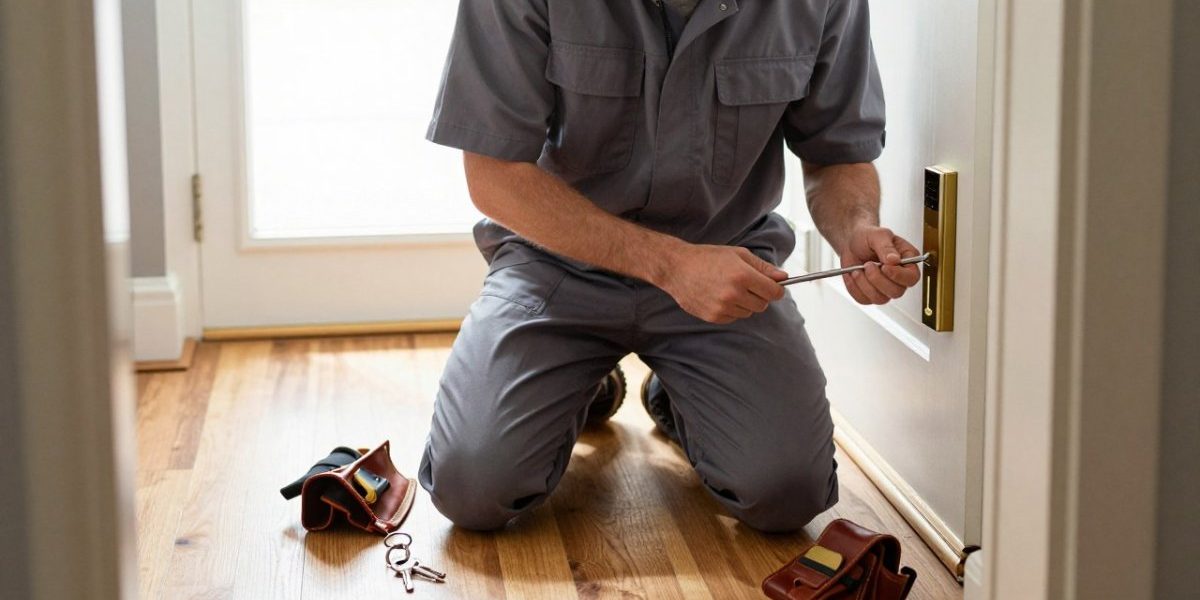
Last Updated: November 17, 2026
Quick Summary
Yes, you can rekey smart lock after moving into a new house, but the process depends on the lock. Smart locks with a mechanical key cylinder can be rekeyed like a standard deadbolt, while keypad-only models have no keyway and are reset through an app or keypad instead. You should also clear old digital access, since rekeying changes only the physical key access.
- Rekeying changes the pins inside a key cylinder so old keys no longer turn.
- A factory reset wipes every code and paired phone, including yours.
- You do not need the previous owner’s key to rekey a smart lock.
- Rekey if the lock is in good shape; replace it if worn or off-brand.
- Remove old digital users in the app and set your own master code.
Table of Contents
- Why You Should Rekey a Smart Lock After Moving Into a New House
- Mechanical Rekeying vs. Changing Smart Lock Access Codes
- Smart Lock Rekeying Without the Original Key
- Should You Rekey or Replace Locks After Moving?
- How to Identify a Compatible Lock and Rekey It Step by Step
- The Cost to Rekey a House and When to Hire a Locksmith
- Book Same-Day Rekeying for Your New Home
- Frequently Asked Questions
Why You Should Rekey a Smart Lock After Moving Into a New House
Yes, you can rekey a smart lock after moving into a new house, but the exact process depends on the lock. Some smart locks have a mechanical key cylinder you can rekey like a standard deadbolt.
Here’s the uncomfortable part most buyers don’t think about: the previous owner, their realtor, their cleaner, and every contractor who worked on the house may still hold a working key or code.
What the Previous Owner Still Has Access To
A smart lock feels secure because it has an app. But access lingers in places new owners forget:
- Physical keys handed out to family, sitters, or tradespeople
- Guest codes created for showings and never deleted
- Paired phones still linked to the lock’s app
- Master codes set by the builder or installer
- Spare keys hidden in lockboxes, planters, or garages
Any one of these is a way in. Rekeying or resetting the lock closes those doors.
Mechanical Rekeying vs. Changing Smart Lock Access Codes
These are two different jobs, and mixing them up is the most common mistake we see. Rekeying means changing the internal pins of a key cylinder so old keys no longer turn. Resetting access means wiping the digital side: codes, app users, and paired devices.
A smart lock can need one, the other, or both. If your lock has a physical keyway, you should rekey the cylinder and clear the digital access. If it’s keypad-only, there’s nothing to rekey, so a full factory reset is the whole job.
What Rekeying Actually Means for a Smart Lock
For a smart lock with a key override, rekeying works exactly like a traditional deadbolt. A locksmith swaps the pins inside the key cylinder so only the new key works. The electronics stay untouched. Your app, codes, and schedules keep running as before.
The key point: rekeying changes the physical key access, not the digital access. You still need to remove old users from the app separately.
Smart Lock Rekeying Without the Original Key
You do not need the previous owner’s key to rekey a smart lock.
Most locks have a reset button inside the battery compartment or behind the interior cover. Hold it per the manufacturer’s instructions and the lock returns to default settings.
Watch out: a factory reset wipes every code and paired phone, including yours. Do the reset before you set up your own access, not after.
Should You Rekey or Replace Locks After Moving?
Rekey if the lock is in good shape and you like it. Replace if it’s worn, off-brand, or you want a security upgrade. For most new homeowners, rekeying is the faster and cheaper call.
Replace the lock instead when:
- The cylinder sticks, grinds, or the key catches
- It’s a no-name brand with no replacement parts
- You want a smart lock with better features
- The door hardware looks damaged or loose
- You want a higher security rating on exterior doors
If you’re leaning toward replacing, it’s worth reading up on choosing high security door locks that actually hold up before you buy. And if you’re weighing rekeying against a broader upgrade, our guide to the best ways to upgrade home security lays out the full set of options.
How to Identify a Compatible Lock and Rekey It Step by Step
Start by checking whether your smart lock has a physical keyway. Look at the exterior for a keyhole below or beside the keypad. If there’s a keyhole, the lock has a key cylinder and can likely be rekeyed.

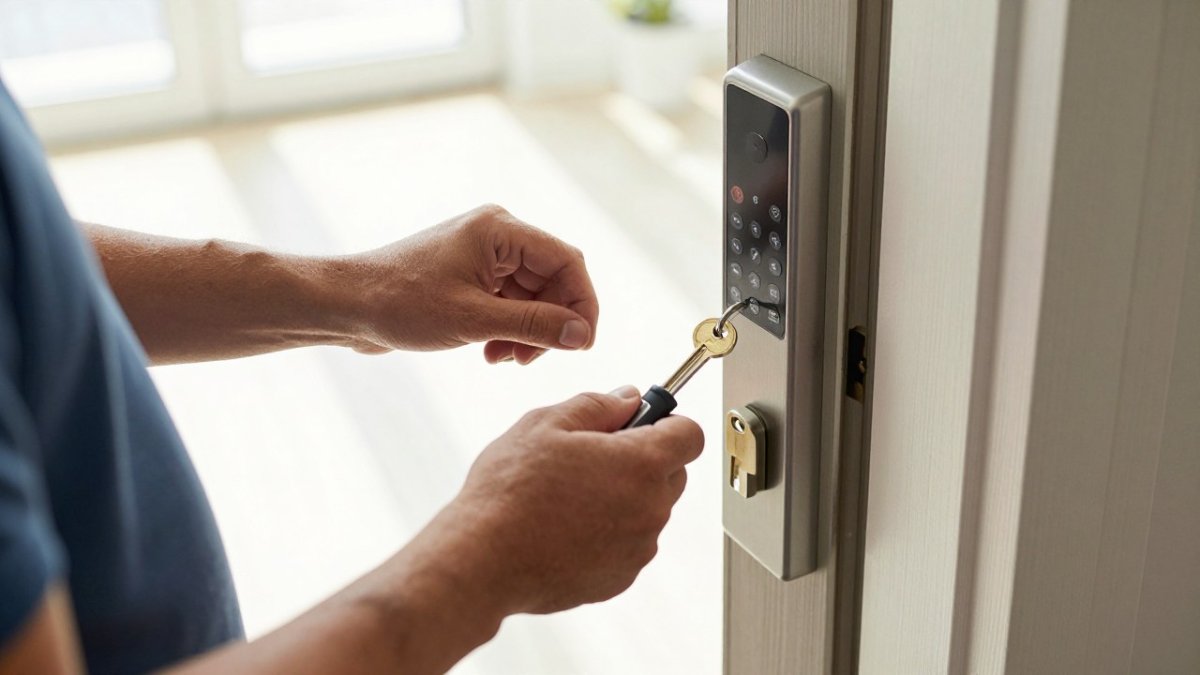
Next, find the brand and model. Check the interior housing, the battery cover, or the original manual. The model number tells you whether the cylinder is standard or proprietary.
Compatibility and Identification Checklist
Use this checklist to decide whether you can rekey the lock yourself, need a locksmith, or should replace it:
- Keyway present? A visible keyhole on the exterior means a mechanical cylinder exists. No keyhole means digital-only.
- Cylinder type. Standard pin-tumbler cylinders (common on many residential smart locks with key override) can be rekeyed. Proprietary or high-security cylinders may require manufacturer-specific pins or tools.
- Keyway stamp. Look for a stamp on the key or cylinder face (for example, a manufacturer letter or code). This tells a locksmith which key blanks and pins to use.
- Owner-rekeying support. Check the manufacturer’s manual or support site for a stated owner-rekeying procedure. Some brands explicitly support owner rekeying with a kit; others require a locksmith or void the warranty if the cylinder is removed.
- Warranty terms. Read the warranty before you remove the cylinder. Many manufacturers void coverage if the lock is opened by anyone other than an authorized technician.
A common pattern is that locks with a standard keyway and a published owner-rekeying procedure are the best DIY candidates. Locks with proprietary cylinders, integrated electronics that must be recalibrated after cylinder removal, or warranty language that prohibits owner service are better left to a locksmith.
Tools You’ll Need
- New key blanks that match the lock’s keyway
- A rekey kit with pins and a plug follower (for DIY)
- A small screwdriver set
- The lock’s reset tool or a paperclip
- The manufacturer’s manual or app
- A new spare key, cut after rekeying
Step-by-Step: Rekeying a Compatible Smart Lock
- Remove old digital users. Open the app and delete every code and paired phone except yours.
- Factory reset if needed. Press and hold the reset button until the lock confirms. This clears any master code you don’t have.
- Rekey the cylinder. A locksmith removes the cylinder, swaps the pins, and cuts a new key. DIY kits work, but a wrong pin stack can jam the lock.
- Test the new key. Turn it fully both ways with the door open.
- Set your own codes. Add a master code, then guest codes for family.
- Pair your phone. Connect the app and confirm remote access works.
- Cut a spare. Store it somewhere secure, not under the mat.
Watch out: if the cylinder does not turn freely after rekeying, stop and do not force the key, a mis-stacked pin can damage the cylinder and lock you out.
Safe Troubleshooting and Stop Conditions
Not every lock should be rekeyed by the homeowner. Stop and call a locksmith if any of the following apply:
- The original key is missing and the cylinder will not pick or bypass cleanly. A locksmith can often extract or bypass the cylinder, but forcing it can damage the lock.
- The lock is jammed or misaligned with the door. Rekeying will not fix a strike-plate or door-alignment problem; the door must latch freely first.
- Programming fails repeatedly. If the lock will not accept a new master code or pair with your phone after a factory reset, the electronics may be faulty.
- The cylinder is incompatible with standard pins. Proprietary cylinders need manufacturer-specific parts.
- The lock is under warranty. Removing the cylinder may void coverage; confirm before you proceed.
If you are unsure at any step, a locksmith can confirm compatibility and complete the rekey without risking the hardware.
Use this checklist to decide whether you can rekey the lock yourself, need a locksmith, or should replace it.
| Check | What to look for | What it means |
|---|---|---|
| Keyway present? | Visible keyhole on the exterior | Mechanical cylinder exists; no keyhole means digital-only |
| Cylinder type | Standard pin-tumbler vs. proprietary | Standard cylinders can be rekeyed; proprietary may need manufacturer parts |
| Keyway stamp | Stamp on key or cylinder face | Tells a locksmith which key blanks and pins to use |
| Owner-rekeying support | Manufacturer manual or support site | Some brands support owner rekeying with a kit |
| Warranty terms | Read before removing the cylinder | Many manufacturers void coverage if a non-technician opens the lock |
| Age and condition | Sticking, grinding, or worn key | A worn cylinder may not rekey cleanly; replacement may be better |
| Number of exterior doors | Front, back, side, garage-entry, detached structures | Plan to match them to one key if desired |
The Cost to Rekey a House and When to Hire a Locksmith
The cost to rekey a house depends on how many locks you have, the lock type, and whether the cylinders are standard or proprietary. Smart locks with key overrides usually cost more to service than plain deadbolts because the hardware is more delicate. For a clearer picture of residential pricing, see our residential lock change service pricing guide.
DIY vs. Locksmith: Cost and Time Comparison
A common pattern is that DIY makes sense for one or two standard cylinders in good condition, while a locksmith makes sense for smart locks, proprietary cylinders, multiple doors, or any lock under warranty.
When to Hire a Locksmith
Hire a locksmith when:
- The lock is a brand you don’t recognize
- The cylinder won’t come out or feels seized
- You have multiple doors to match to one key
- The lock is under warranty and you don’t want to void it
- You’re a renter and need written proof the work was done properly
- The original key is missing and the cylinder will not pick or bypass cleanly
If you’re renting, check your lease first. Many leases require landlord approval before you change locks. Our guide on how to rekey apartment locks covers the renter-specific rules.
Book Same-Day Rekeying for Your New Home
Moving is chaotic enough without wondering who still has a key to your front door. The safe move is to rekey or reset every exterior lock before your first night in the house.
If you need help finding the right pro, our guide on how to find a reliable local locksmith shows what to ask before you book.
Get started with Natick Finest Locksmith and secure your new home the same day you move in.
Frequently Asked Questions
Is it cheaper to rekey a lock or buy a new lock?
Rekeying is usually cheaper than replacing a lock because you keep the existing hardware and only change the internal cylinder or access codes. For a standard deadbolt, rekeying avoids the cost of a new lockset entirely. For a smart lock, resetting codes and removing old users costs nothing but time. Replacement only makes sense when the lock is damaged, outdated, or lacks the features you need. A locksmith can confirm which option fits your door before you spend.
Can you rekey a smart lock without the original key?
In most cases, yes. Mechanical smart-keyed locks can be rekeyed with a reset or programming tool and a new key, even if the original is missing. Electronic smart locks are reset through the keypad, mobile app, or a factory reset button, which clears old codes and users. If the lock is bricked or the admin code is unknown, a locksmith can often bypass or reset it. The exact method depends on the brand and model, so check the manual first.
Do smart locks need to be rekeyed after moving?
Yes. Even if the previous owner handed over keys and codes, copies and old user profiles may still exist. Rekeying the physical cylinder and wiping digital access ensures no former tenant, contractor, or family member can enter. Change the admin code, delete all users, and reissue new codes to your household. If the lock supports it, pair it to your own mobile app account so the previous owner’s app access is removed entirely.
When should you replace a smart lock instead of rekeying it?
Replace the lock if it is damaged, has a failing keypad or motor, uses an obsolete app, or lacks the security features you want. Also replace it if the previous owner cannot provide the admin code and a factory reset fails. Rekeying is the better choice when the hardware is in good condition and compatible with your needs. A locksmith can inspect the lock and tell you whether rekeying will hold up or whether replacement is the safer investment.

